
Archive a Member Function
Archiving a Member Function allows you to remove it from the platform's default search results without actually deleting the Function.
To archive a Member Function:
-
Select Program from the top navigation bar, then select Member Functions from the side navigation menu. The Member Functions screen is displayed.
-
On the Member Functions screen, search for and select the desired Member Function (see Search for a Member Function for more information on the available search options). The Member Function Details screen is displayed.
-
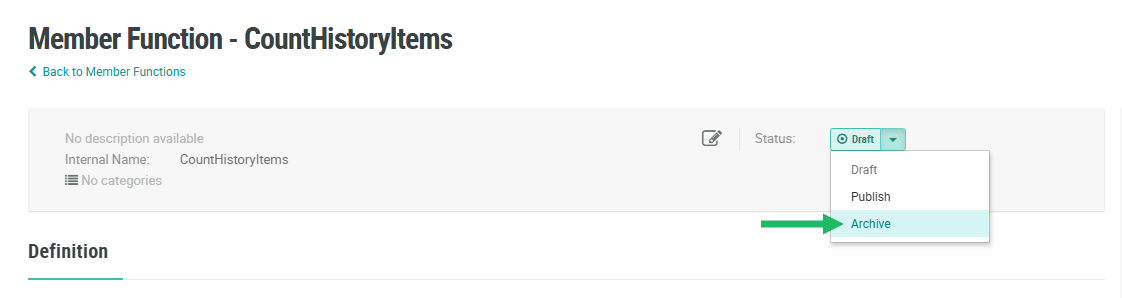
Within the header area of the screen, from the Status drop-down menu, select Archive. A confirmation dialog box is displayed; click Confirm.
If this Member Function was previously Published, you must deploy metadata in order for the changes to take effect. Please see Deploy Metadata for more details on this process.
